
Admin Sell Online| Theme Design - Color Setting
Overview
This section is intended to guide you through Rezio Admin in customizing and designing your MySite.
Sell Online > Theme Design
When you finish adjusting MySite homepage, go to Sell Online > Theme Design to customize your color scheme.

Color Setting
In the color setting, you can adjust the color tone of your MySite: main color, auxiliary color, main text color, auxiliary text color, and button color.
- Click Reference to view how the color is applied to each part of MySite and click Confirm when finish viewing.

Example: Rezio default color setting is used below as example.

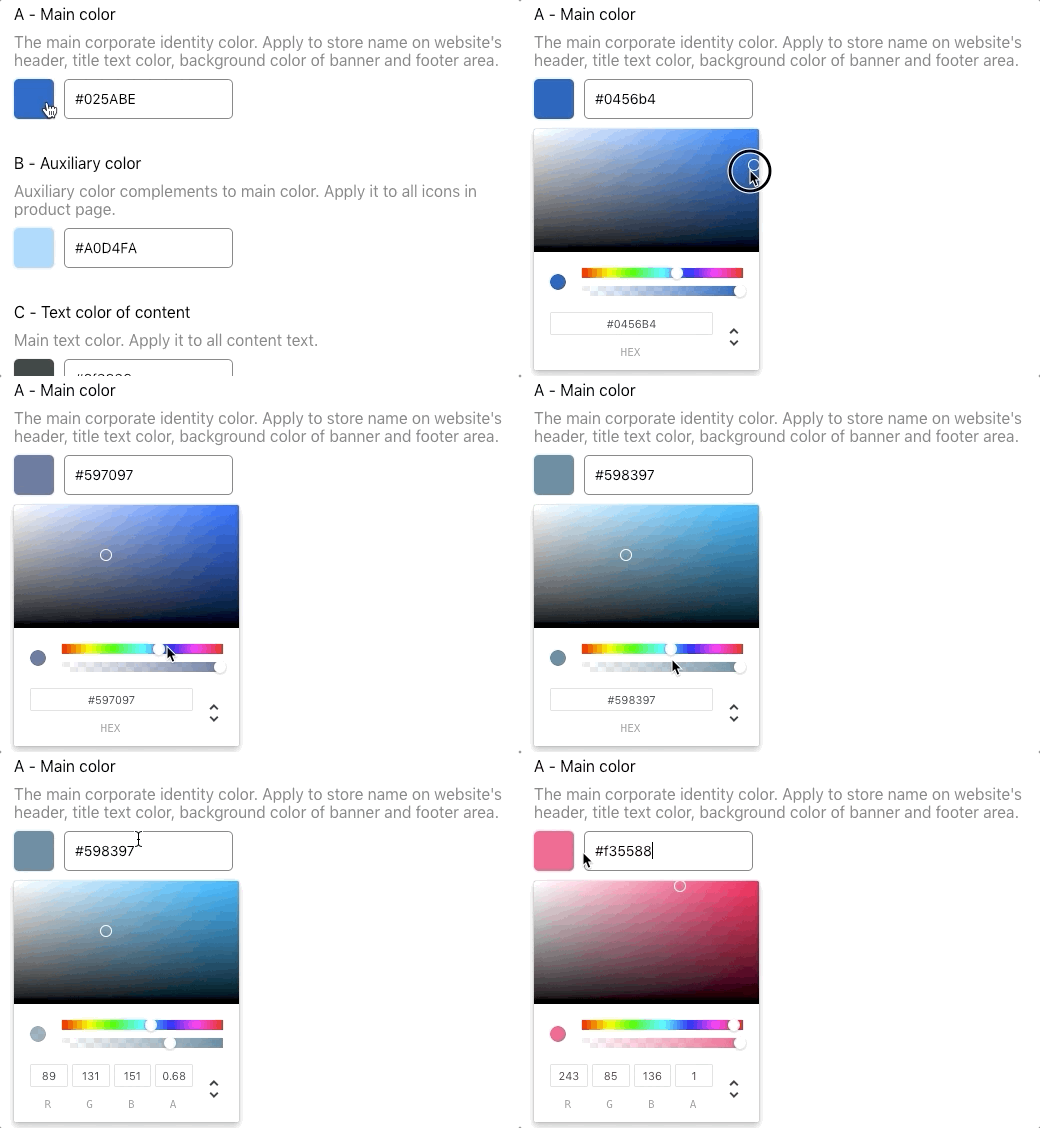
- Click on the color box to open the color palette.
- You can move around the color palette or enter the hex code to change color.
- When you finish adjusting, click Save or Save & Preview.
- Color setting choices will also apply to rezio vouchers.

To preview overall changes, please go to Sell Online > MySite and click Save & Preview.

Updated on: 26/01/2026